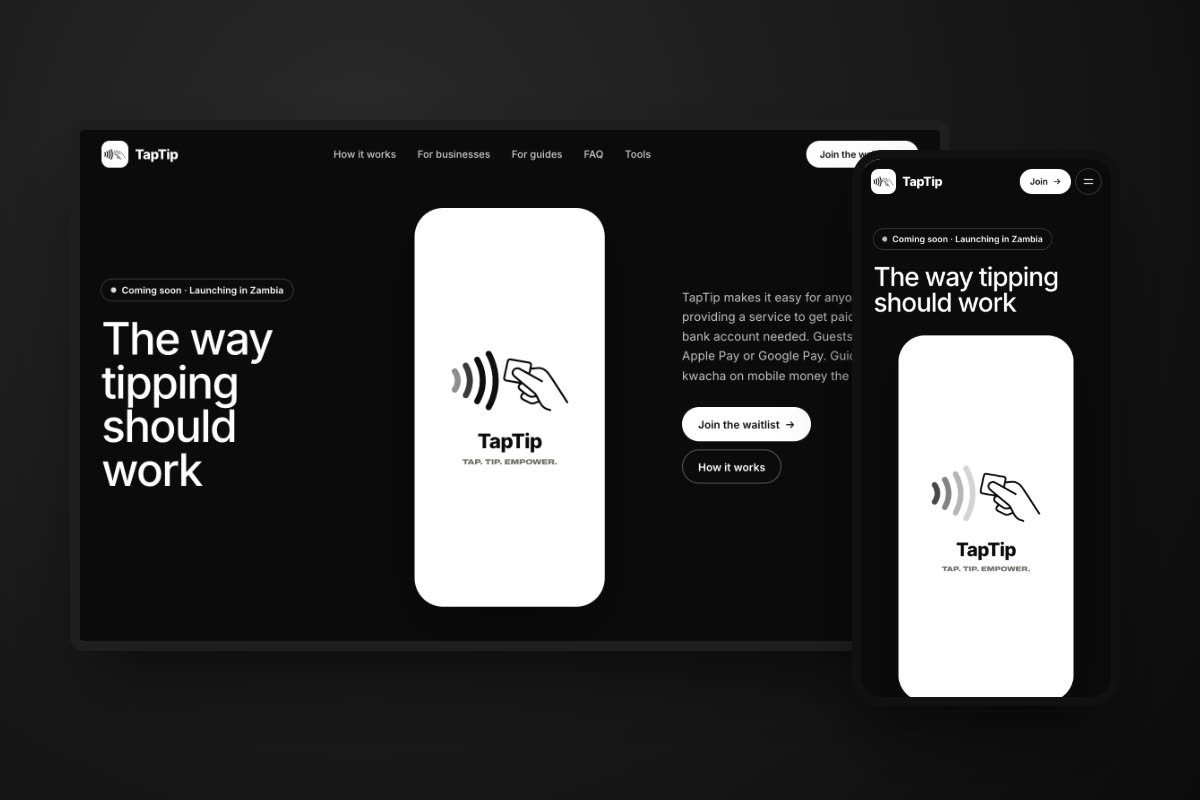
Running a shop means doing sums you were never taught: how much turnover tax is due this month, what to deduct from a shop assistant's pay, how many days of leave pay someone is owed, what a mobile money transfer will really cost. Most owners guess, or ask someone who also guesses.
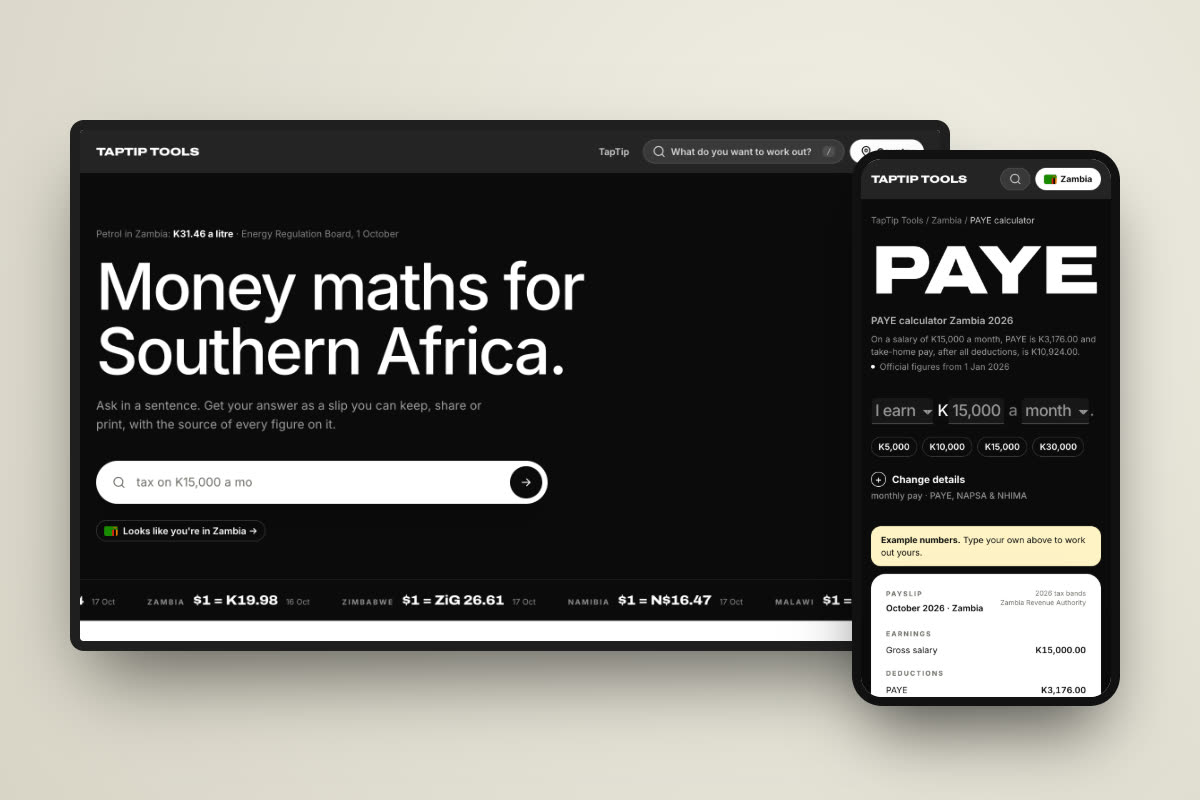
TapTip Tools is a free set of calculators for exactly those questions. There are 32 for Zambia, and each one uses the official figure and tells you where it came from.
Disclosure: TapTip Tools is from the same team that builds HORIZON Shop Tracker.
What TapTip Tools is
- Free, with no sign-up. Open a calculator and type your figure. Nothing to install, no account.
- Asked like a sentence. "I earn K15,000 a month", "My business sold K6,000 this month". Change the number and the answer updates.
- An answer you can keep. Each answer comes as a slip you can share on WhatsApp, print as a PDF or save as an image, depending on the calculator.
- Built for phones. It works on the phone you already have, and the answer fits on the screen.
The calculators a shop owner uses most
| Calculator | What it answers |
|---|---|
| Turnover tax | What the shop owes ZRA on this month's sales. |
| PAYE | A staff member's PAYE, NAPSA and NHIMA, and take-home pay, as a payslip. |
| NAPSA | What you and your employee each pay into NAPSA. |
| Leave days | What a number of leave days is worth in pay. |
| Gratuity | Gratuity owed at the end of a contract. |
| Mobile money charges | Airtel and Zamtel charges and the government levy, side by side. |
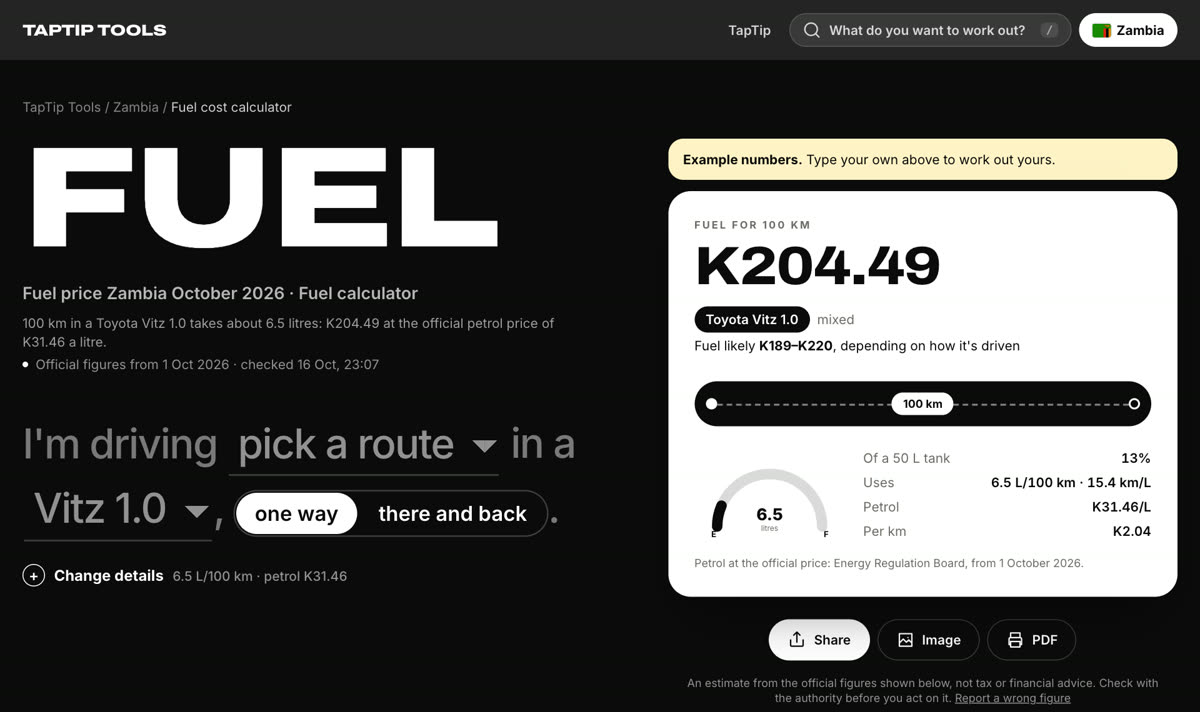
| Fuel cost | What a trip to the wholesaler costs in fuel at today's pump price. |
| ZESCO units | How many units a token buys, band by band. |
| Kwacha to dollar | Today's Bank of Zambia rate, for imported stock priced in dollars. |
| Loan affordability | How much you can borrow for stock or equipment, from what you can repay. |
How to use one
Take turnover tax. Open the calculator and type the month's sales into the sentence. The answer shows the tax, the part of your sales it is charged on, and what is left after tax, with the date it is due.
- Type your figure in the sentence at the top.
- Tap a quick-fill amount if one is close, or open "Change details" for anything less common.
- Read the answer, which updates as you type, and the short line under the heading that explains it.
- Share, print or save the slip if you need to keep it.
Where the figures come from
A calculator is only as good as the rates inside it. TapTip Tools shows its sources on every page: the Zambia Revenue Authority for tax, NAPSA and NHIMA for contributions, the Bank of Zambia for the exchange rate and government securities, and the Energy Regulation Board for fuel and electricity. Figures that change often, such as the exchange rate and pump prices, are checked automatically, and each page shows the date of the figure it used.
Beyond Zambia
TapTip Tools also covers Zimbabwe, Namibia, Malawi, South Africa and Botswana, with calculators for each country's own tax tables and currencies. Pick a country at the top of the site.